Travel Ebooks That Actually Help: Formats, Offline Use and Smart Picks
A good travel ebook can replace a stack of paper, rescue a rainy afternoon, and answer the question you forgot to research before the Wi-Fi disappeared. The trick is choosing a current guide in the right format, downloading it properly, and knowing which parts may still depend on an account, app, or internet connection.
What counts as a travel ebook?
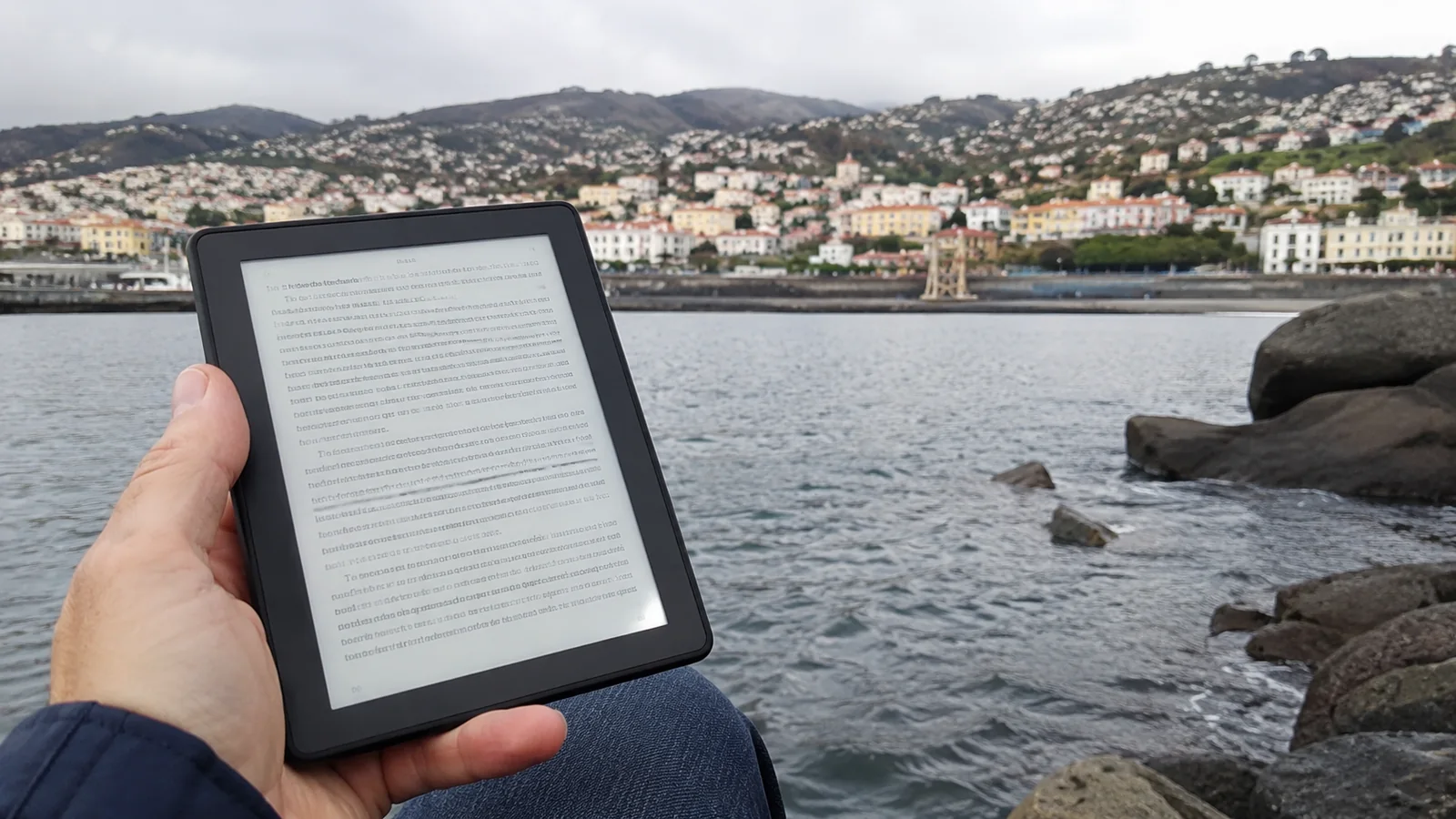
A travel ebook is a digital book designed to help with a destination, route, activity, language, or style of trip. It might be a full guidebook, a focused neighborhood guide, a hiking reference, a phrasebook, an accessible-travel resource, or a collection of cultural background.
A saved web page, airline app, map download, and PDF ticket can all belong in your trip library, but they are not automatically ebooks. Keeping those categories separate makes it easier to know what will open offline and which app controls it.
I like travel ebooks best when they reduce decision fatigue rather than create a second research project. One well-chosen destination guide plus a few official offline documents is usually more useful than 27 random downloads you cannot find at the train station.
Why travel ebooks are genuinely useful
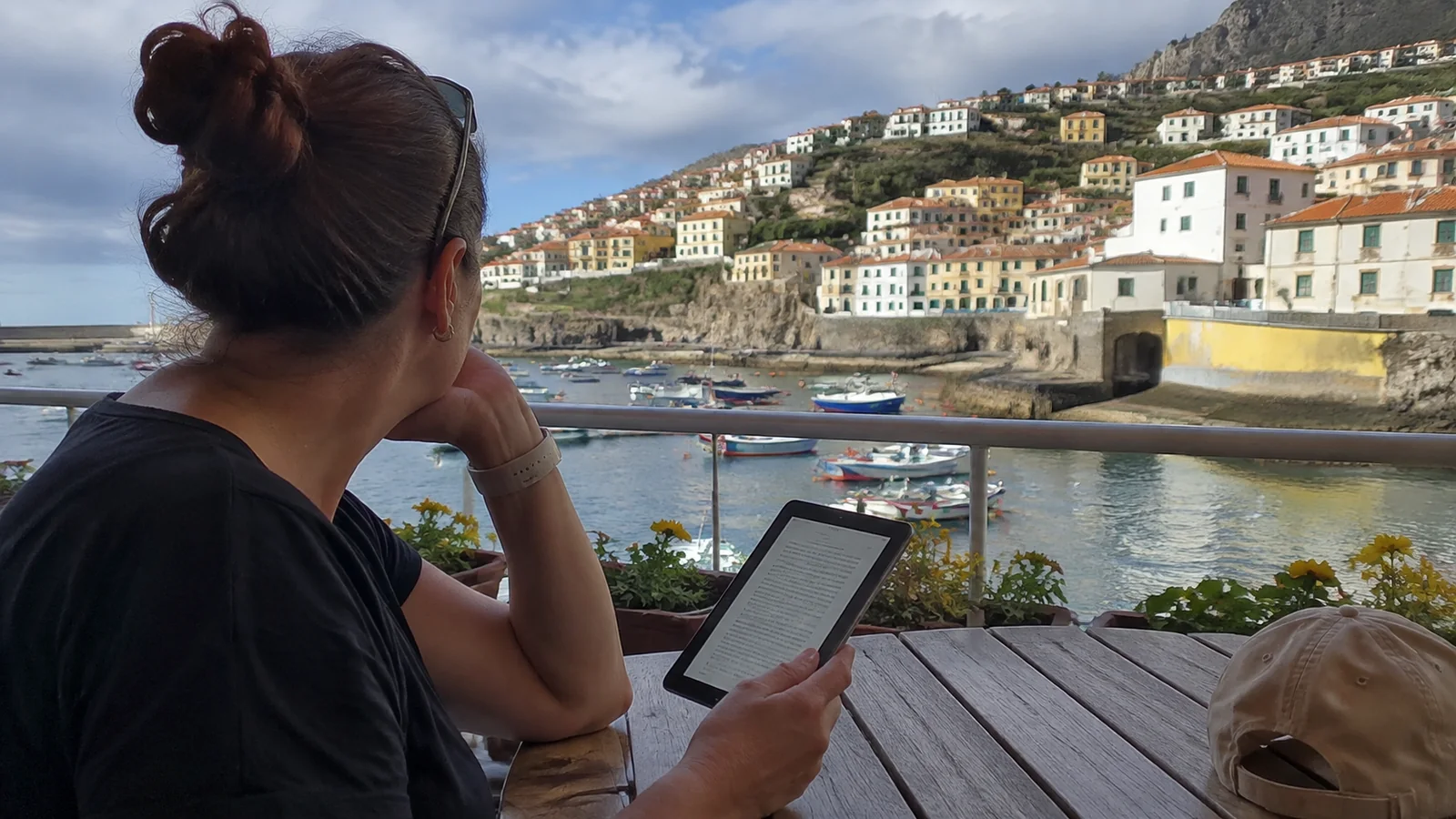
The obvious advantage is weight. A phone or small e-reader can hold destination guides, phrasebooks, novels, and reference material without taking over your personal-item allowance.
Search is the quieter superpower. You can jump to “airport,” “Sunday,” “wheelchair,” or a neighborhood name instead of flipping through an index while everyone else waits.
Many reading apps also let you change type size, background color, margins, or brightness. Those controls can make a long planning session easier, although their availability depends on the file, book design, and reading system.
Digital guides are also easy to carry on a day trip when the big printed book would stay in the hotel. The downside is that a dead battery, expired loan, account problem, or incomplete download can remove the whole library at once.
EPUB, PDF, Kindle, and app-based books
The word “ebook” hides several different formats and delivery systems. Look at the format before buying because it determines how the guide behaves on your device.
Reflowable EPUB
EPUB is a widely used digital-publication format, and most standard EPUB books are designed to reflow to fit the available screen. The current W3C EPUB specification says reflow is the default intent, while fixed-layout EPUB is also possible.
Reflowable text is excellent for long chapters because you can often change font size and read comfortably on a phone or e-reader. Complex maps, sidebars, and tightly designed page spreads may not look exactly like their printed versions.
A PDF usually preserves a page’s original layout, which can be useful for a transit diagram, trail map, or visual guide. On a small phone, that same fixed page may require constant pinching and panning.
A PDF can be a normal downloadable file or it can sit behind a web viewer with restrictions. “PDF” tells you the document structure, not whether you may copy it freely between devices.
Kindle books
A Kindle edition is delivered through Amazon’s reading ecosystem and can be read on compatible Kindle devices or apps. Amazon’s official instructions explain how to download a book in the Kindle app from your library.
Do not assume that buying a Kindle edition gives you a loose EPUB file to move anywhere you like. Account authorization, publisher settings, supported devices, and content licensing can affect how and where a title opens.
Books inside another app
Apple Books, Google Play Books, Kobo, Libby, publisher apps, and destination-specific readers each manage files differently. Some accept your own EPUB or PDF files, some center on store purchases, and some provide temporary library loans.
The safest question is not “Which platform is best?” but “Will this exact title work offline on the device I am actually packing?” That answer is much more useful than brand loyalty.

Three travel ebooks I would actually compare
Start with the trip you are taking, then choose the book whose approach suits it. These are concrete starting points; use the linked listing to confirm the newest edition and the format offered by your retailer or library.
Lonely Planet Italy for a wider country route
I would start with Lonely Planet Italy when the trip moves beyond one city and you want a broad destination guide available as an ebook. It makes more sense for choosing between regions than buying several short city books before you know the route.
Sample the chapters for the places you actually intend to visit, particularly smaller towns. If your whole trip is Rome, a focused Rome title is the more useful comparison than a country book simply because it covers more ground.
Rick Steves Italy for a selective first trip
I would compare Rick Steves Italy when you want help prioritizing the classic sights and building a manageable first itinerary. The linked OverDrive listing lets you check the ebook and a sample, although borrowing depends on your own library’s collection.
This is the option I would inspect first for a Rome, Florence, and Venice trip where choosing what to skip matters as much as finding another attraction. Compare its coverage with Lonely Planet before buying both; two books only earn their space if they answer different questions.
DK Top 10 Lisbon for a short city stay
For a weekend or cruise extension, I would look at DK Top 10 Lisbon, available in an ebook edition published in September 2025. Its compact, list-based approach is a useful starting point when you need a shortlist rather than a long country itinerary.
Try its maps and page layout on the actual phone or tablet you will carry before buying. I would pair it with downloaded official transit information and my Lisbon cruise-port guide if a ship deadline determines the day.
What I would download for one real trip
For a first Italy trip, I would choose one of the two Italy books, download my reserved museum tickets separately, and save official station-to-hotel directions for arrival day. For Lisbon alone, I would take the smaller city guide and spend the saved research time choosing one unhurried neighborhood walk.
A library copy is a good way to compare writing styles before buying a book you want to keep throughout the trip. For accessibility needs, test the exact ebook with your own reader settings or screen reader; a helpful subject matter and an accessible digital file are separate questions.
How to choose a trustworthy travel ebook
Start with the edition date, not the cover design. A beautiful guide can still send you to a closed attraction or an old train station if the underlying research is stale.
Look for both an original publication date and a revised-edition date. A recent upload date by itself may only mean the same old file was placed in a new store.
Next, check who wrote and edited the book. A useful listing should identify the author or editorial team, their destination expertise, the publisher, and enough sample material to judge whether the advice is specific.
Strong travel guides explain tradeoffs instead of calling everything a hidden gem. They tell you who a neighborhood suits, how long a transfer can take, what needs advance booking, and which details should be verified.
Read recent reviews for formatting and update problems, but do not treat reviews as fact checking. A five-star comment from three years ago cannot confirm today’s ferry schedule.
For anything operational, compare the ebook with an official source before the trip. Entry rules, transit timetables, attraction hours, fees, closures, safety alerts, and reservation systems can change after even a careful guide goes to press.
A trustworthy guide admits that reality. I am more comfortable with a book that says “verify the current schedule” than one that promises every bus, price, and opening hour will remain frozen.
Use the sample before you buy
A sample can reveal more than the product description. Open the table of contents, search for a place you know, zoom a map, change the type size, and see whether links and navigation work.
If you use a screen reader, text-to-speech, high contrast, or very large type, test those tools on the sample. Accessibility depends on both the publication and the reading system, so a platform’s feature list cannot guarantee that every book is equally usable.
Map-heavy books deserve special attention. A gorgeous two-page spread may be lovely on a tablet and maddening on a six-inch phone.
Check whether the listing says reflowable or fixed layout, and whether it describes image text, navigation, or accessibility features. If that information is missing, ask the publisher before buying rather than hoping at the airport.
Accessibility is a book-level question
An EPUB file is not automatically accessible just because EPUB can support accessibility. The W3C’s EPUB Accessibility work requires discoverability metadata so readers can make a more informed decision about whether a publication fits their needs.
Useful features can include a logical reading order, navigable headings, image descriptions, sufficient contrast, meaningful links, and text that responds well to resizing. A scanned image of a printed page may provide none of those things unless the publisher adds proper text and structure.
Fixed-layout travel books can be especially challenging on a small screen because text size and placement may not adapt. They can still be accessible, but the result depends on careful creation and a compatible reader.
Ask for the feature you need rather than the broad label “accessible.” Someone using VoiceOver may care about image descriptions and heading navigation, while someone with low vision may prioritize reflow, magnification, and contrast.
Make sure the book really works offline
Seeing a cover in your library does not prove the full book is stored on your device. Many apps show cloud purchases and loans beside downloaded titles, which looks reassuring until airplane mode arrives.
Google’s official help explains how to download Google Play Books for offline reading and look for the downloaded indicator. Apple’s Books guidance likewise distinguishes items in the library from content stored locally on the device.
Download every essential title over reliable Wi-Fi before leaving home. Then switch on airplane mode, restart the reading app, and open several pages, maps, and linked sections.
Do the test again after any app update or device change. A book that worked on your old tablet is not proof that the new phone has finished downloading it.
External links inside an ebook usually still need internet access. Save critical official pages, addresses, confirmation numbers, and emergency details separately rather than assuming every blue link will open underground or at sea.
If your trip includes a cruise, ship Wi-Fi can add another layer of cost and inconsistency. My Royal Caribbean internet guide shows why downloading before embarkation is smarter than depending on a paid connection for basic reading.
DRM and what you actually purchased
Digital rights management, usually shortened to DRM, can tie a book to an account, app, device authorization, or approved reading system. It may prevent copying, printing, conversion, sharing, or opening the title in another app.
DRM does not behave the same way across all books on one store. Publisher choices, region, format, and licensing terms can change what is permitted, so check the exact listing and store terms.
A store purchase generally gives you licensed access under that platform’s rules rather than unrestricted ownership of every file inside it. A library loan is even clearer: access ends at the due date unless renewal is available.
Do not remove DRM or download unauthorized copies. Besides violating rights and possibly the law, “free guidebook PDF” sites are a very efficient way to collect malware, fake files, stolen payment details, and a guide old enough to recommend a restaurant that is now an apartment building.
Device limits and account surprises
There is no honest universal number of devices for every ebook. Limits can depend on the platform, publisher, title, subscription, household-sharing setup, and whether the device is authorized to the correct account.
Before a family trip, decide which device will hold the primary copy and which will be the backup. Sign in, download, and test both while you still have access to passwords and two-factor authentication.
Account recovery is part of packing now. Make sure the email address and phone number used for the bookstore account will work abroad, or add a secure backup method before departure.
Do not share a password in a group chat just to make one guide available. Use the platform’s approved family or household feature if the title permits it, or buy the necessary copies.
Library ebooks are brilliant, with one catch
Public libraries can be a wonderful source of current travel guides, especially when you want to compare two approaches before buying. Availability, loan length, renewal, and supported formats depend on your library and the publisher’s license.
Libby says its mobile app can stream titles or download them for offline use with a library card. Its offline-download guidance notes that books and audiobooks download by default on Wi-Fi, while the browser site itself requires an internet connection.
That distinction is exactly why testing matters. A book may open offline in the mobile app but not at libbyapp.com in your browser.
Check the due date against the full trip, including travel delays. A loan expiring halfway through the route is not much comfort when the chapter you need is tomorrow’s city.
Place a renewal reminder before departure, but do not assume renewal will be allowed if another reader is waiting. For a mission-critical guide, buying a licensed copy may be worth the certainty.

Apple Books, Google Play Books, and your own files
Apple Books can show store purchases and PDFs added to the library, and Apple’s current iPhone guide explains the library and collection views. Availability and features vary by country, device, operating system, and book.
Google Play Books supports uploading PDF and EPUB files to an uploads library under its current help instructions. That can be handy for legally obtained publisher files, but it does not give you permission to upload or distribute someone else’s copyrighted book.
A file that imports successfully may still have awkward maps, broken fonts, or missing navigation. Open the actual chapters you expect to use instead of treating a visible cover as a completed test.
How to buy and download safely
Start at the publisher’s official site, a recognized ebook store, or your public library. Check the web address carefully, use a secure connection, and confirm the seller before entering payment information.
A legitimate listing should make the title, author, edition, format, price, seller, and basic terms reasonably clear. Be cautious when a page hides all of that behind a giant download button or asks you to install an unfamiliar “special reader.”
Keep the receipt and order confirmation. If the book appears in the wrong language, edition, or format, you will need the exact order details to request support.
Download through the official app or instructions. Avoid browser extensions and file converters that request access to your entire library, cloud drive, or password.
Once downloaded, run your airplane-mode test and save the publisher’s support page. A little boring setup at home feels extremely clever when the hotel Wi-Fi decides not to participate.
Build a practical digital trip library
Organize by trip rather than by bookstore. Create a collection or folder with a short destination name and year, then place the essential material where your tired future self will look first.
A useful library might include:
- One main destination guide: Choose the most current book whose style and depth fit your trip.
- One focused guide: Add a food, hiking, museum, accessibility, or neighborhood title only if it supports a real priority.
- A phrase resource: Use a searchable guide with audio only if the audio also downloads or you are comfortable without it.
- Official offline documents: Save transit maps, park rules, emergency contacts, and reservation details from original sources.
- A comfort read: A novel or audiobook is excellent insurance for flights, ferries, delays, and rainy evenings.
Keep sensitive passport scans and financial details outside a casual ebook folder. Use secure encrypted storage and follow the risk level that makes sense for your device and trip.
My practical travel tips can help turn the guidebook research into a calmer itinerary. If money is tight, pair library loans with these budget travel strategies rather than collecting ebooks you never open.
How many travel ebooks do you need?
For a one-city weekend, one current guide may be enough. For a multi-country trip, choose one broad route guide and add focused books only where the planning really changes.
More books do not automatically mean better preparation. Contradictory advice becomes its own form of luggage, and it is much harder to remember which edition supplied which fact.
Set a simple rule: every ebook must answer a question that your official sources and existing guide do not answer well. If it cannot earn its place, leave it in the sample list.

Travel ebook mistakes worth avoiding
- Buying by cover: Check edition, author, sample, and update notes first.
- Assuming cloud means offline: Download and test in airplane mode.
- Ignoring the screen: A fixed-layout PDF can be painful on a small phone.
- Trusting old operational details: Verify entry rules, hours, prices, transit, and closures officially.
- Forgetting the loan date: Make sure library access lasts through the trip.
- Depending on one battery: Carry a charging cable and a power bank allowed by your carrier.
- Using unauthorized download sites: Protect creators, your devices, and your payment information.
Solo travelers should also share the actual itinerary and emergency plan with someone they trust, not just the guidebook title. My first-time solo travel advice covers the human side of planning that no ebook can automate.
Travel ebook questions
Is EPUB better than PDF for travel guides?
EPUB is often easier for adjustable text on small screens, while PDF can preserve detailed maps and page layouts. The better format depends on the book design, your device, and your accessibility needs.
Can I read a travel ebook without Wi-Fi?
Often yes, if the full title is downloaded in a supported app before you disconnect. Test it in airplane mode because a cloud-library cover is not proof of an offline copy.
Can I move an ebook between any devices?
Not always. File format, DRM, account authorization, publisher settings, and app compatibility can limit transfers.
Are free travel ebooks safe?
A free guide from an official tourism board, government agency, publisher promotion, or library can be perfectly legitimate. An unauthorized copy on a random download site can violate copyright and expose you to malicious files.
How current should a digital guidebook be?
Choose the newest credible edition that fits the trip, then verify fast-changing details at official sources. No publication date can freeze transit, visa, business, or attraction information.
Can an ebook replace printed backup?
It can replace most paper for many travelers, but keep essential addresses, emergency contacts, and reservation details available outside a single app. A small printed card can still be useful if the phone is lost or dead.
Final thoughts
The best travel ebook is not the one with the longest destination list. It is the current, trustworthy, readable guide that opens offline on your real device and helps you make a decision when you need it.
Choose carefully, download legally, test everything, and keep the library small enough to navigate. Then your digital guide becomes what it should be: a calm little expert in your bag, not another piece of technology asking for attention.