
Cruise Wi-Fi and Messaging: Which Connection Do You Need?
I would buy cruise internet only after deciding who I need to contact and which apps must work. Messaging family aboard may need only the ship’s app, while contacting home, video calls, and work can require a paid plan.
At sea, I would keep cellular disabled and use Wi-Fi unless I deliberately chose a carrier plan that covers maritime service.
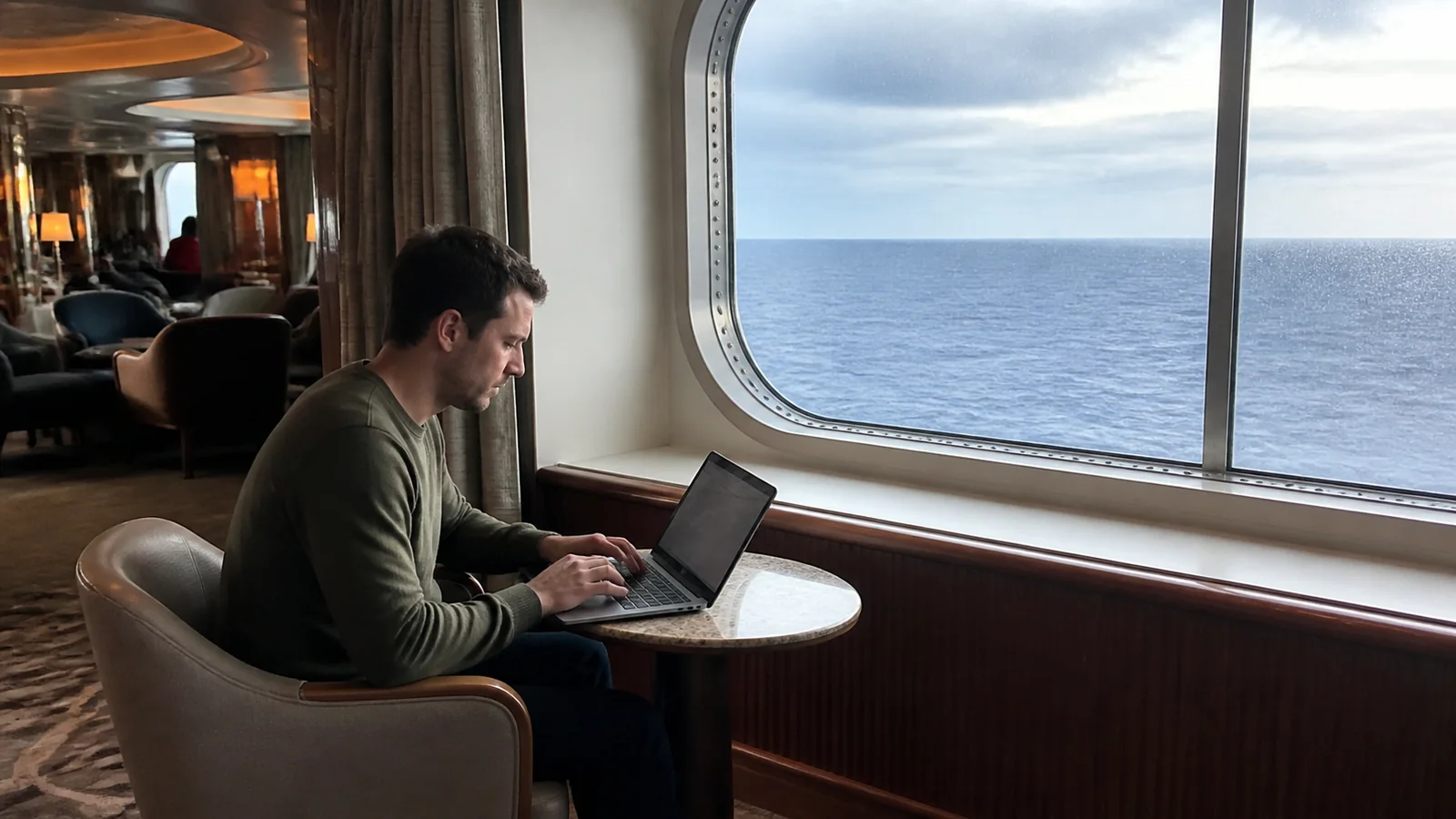
Match the connection to the job
- Coordinating with people aboard: check the cruise app’s chat features and any chat fee.
- Messaging people at home: confirm the internet plan supports your chosen messaging app.
- Video calls or streaming: read the plan’s explicit support and expect possible interruptions.
- Work: check VPN, security, device, and application requirements before relying on the ship.
- Occasional contact only: compare a small internet purchase with using a suitable connection ashore.
I would not pay for a streaming tier just to send a few messages. I also would not buy the cheapest plan if an unsupported application is the main reason I need internet.
Ship Wi-Fi and internet access are different
Connecting to the ship’s wireless network can let you use onboard services without giving you general internet access. The Wi-Fi symbol only shows that the phone has joined a network.
A paid plan may authorize that device to reach websites and outside apps through the ship’s connection. You may need to sign in through a portal after joining the network.
Royal Caribbean’s app connection FAQ confirms that its onboard app can work through Guest Wi-Fi without an internet package. That does not make general browsing free.
I would test the cruise app separately from an ordinary website. If one works and the other does not, the difference may be access entitlement rather than a broken phone.
Onboard chat may be enough for your group
If everyone you need to reach is aboard, start with the ship’s chat system. Check eligibility, activation, parental consent, and whether each participant must purchase access.
Royal Caribbean’s guest-chat FAQ says onboard chat is free while connected to the ship’s Guest Wi-Fi. Carnival’s HUB app information describes a separate chat fee while the app itself is free to use.
I would test a message in both directions before splitting up. Check whether notifications appear when the app is closed and whether the phone’s notification settings need adjustment.
Do not use ordinary guest chat as an emergency response system. For an urgent onboard problem, use the ship’s emergency contact method or get a crew member.
For families, agree on a physical meeting point as well as the app. My family cruise guide covers the broader planning, but a simple fallback matters on any ship.
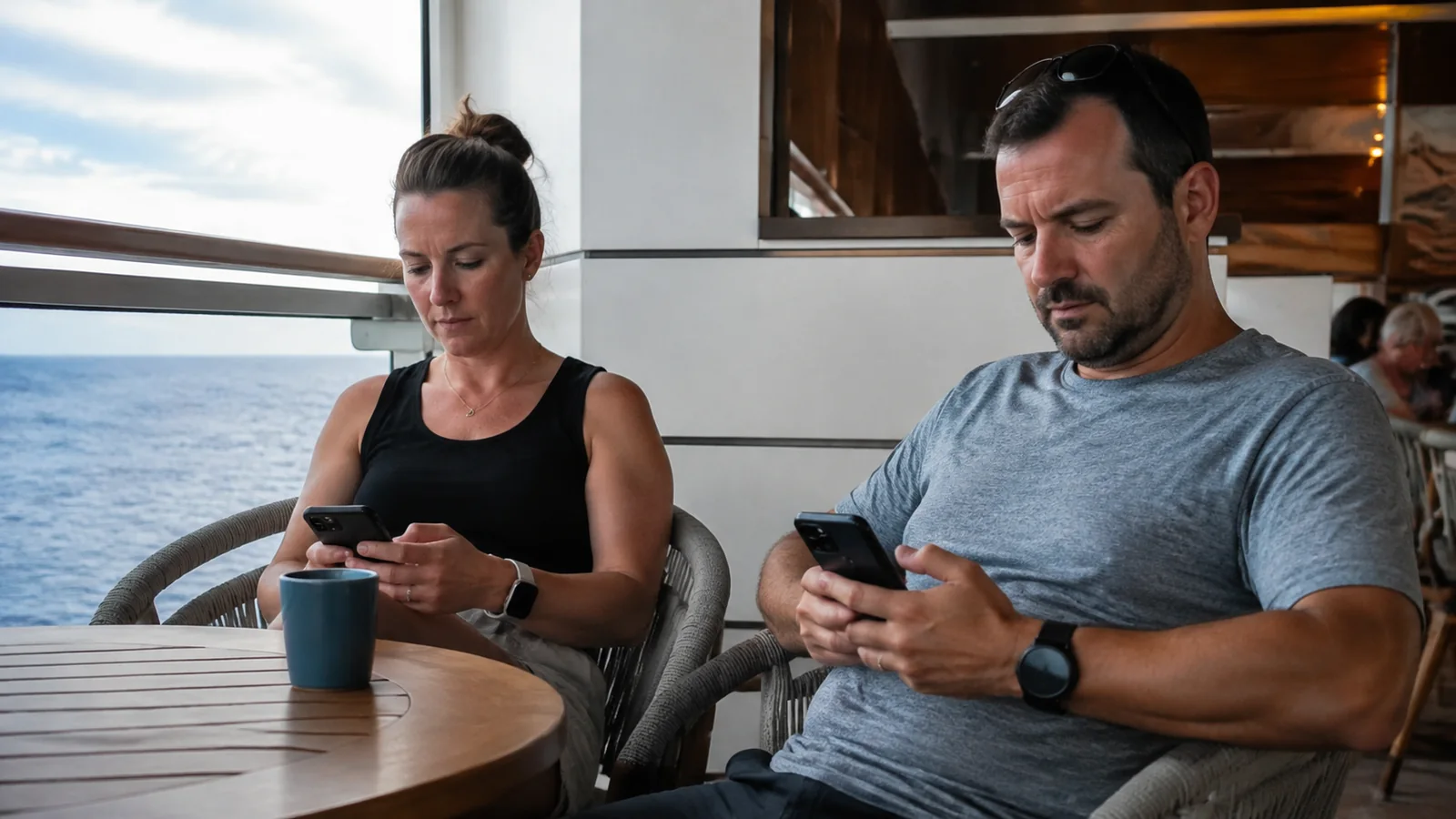
Messaging home needs a supported outside connection
WhatsApp, Signal, iMessage, and similar services are internet-based, but a particular package may limit which apps or features work. Text messages, photos, voice calls, and video calls can have different support.
Read the plan’s named applications and restrictions. I would not assume a social plan supports every feature inside an app simply because its logo appears in the description.
Ordinary SMS messages use a different route unless a supported carrier service such as Wi-Fi Calling handles them. Do not turn cellular back on merely because an internet message failed.
Ask the person at home to test the chosen app before you travel. Installing and verifying an account is easier while both of you have a dependable connection.
I would agree on a reasonable check-in window rather than promise instant replies throughout the day. That leaves room for port visits and occasional service interruptions.
Streaming support is not a speed guarantee
A plan may allow video streaming without guaranteeing uninterrupted playback everywhere along the route. Shared demand, the ship’s connection, local network coverage, and the application’s requirements all affect the experience.
Carnival’s internet plan comparison identifies supported uses and notes coverage limitations. It also explicitly says cellular-network-dependent Wi-Fi Calling is not supported.
That distinction matters if your main goal is using the phone’s normal calling service. A plan supporting an internet video app does not necessarily support your carrier’s Wi-Fi Calling.
I would download entertainment at home if the service allows offline viewing. That can reduce both the required package and the frustration of a movie stopping during a quiet evening.
For an important live event, assume you may miss part of it and decide whether the package is still worth buying. A marketing speed comparison is not a reservation for bandwidth.
Count simultaneous devices, not just travelers
A one-device plan generally limits how many devices can be connected at once under its terms. Whether and how you can switch between a phone and laptop depends on the product.
I would check the switching procedure before buying one connection for several devices. Logging out of one device may be necessary before another can use the plan.
Two people sharing a single connection may find it inconvenient when they separate around the ship. One person checking email can interrupt the other’s access if the plan allows only one active device.
Compare the final cost of a multi-device package with separate plans, including any cabin benefits already included. Do not assume a package labeled per guest automatically covers every device that guest owns.
Avoid adding an unapproved travel router or other equipment to get around the limit. Use the plan as sold and ask the onboard internet staff about legitimate device options.
Compare the total trip price
Some packages display a daily amount but require purchase for multiple days or the full sailing. Others may offer shorter access periods.
I would compare the final checkout total for the time I actually need. A lower daily figure can still cost more than a shorter pass if I only want one connected day.
For a hypothetical seven-day package at $25 per day, the total is $175 before any additional charges. Multiply again if every traveler needs a separate package, and check how the line counts the covered days.
Include internet benefits in the fare comparison if you are choosing between packages or cabins. A benefit worth less than the upgrade price should not drive the decision by itself.
My cruise budget guide helps keep connectivity beside the other optional purchases. I would set that budget before the planner starts presenting every package as essential.
Work at sea needs an offline plan
If you must work, identify the actual tasks: email, a large upload, a VPN login, video meetings, or access to a restricted company system. Different tasks create different risks.
Ask your employer whether working from the itinerary is permitted and whether its security tools can function on the ship’s service. Do not disable required protections just to make a connection work.
I would download necessary files, keep approved offline copies, and avoid making a sea-day video call the only way a deadline can be met. A premium package does not provide a business-grade uptime agreement.
Schedule critical work with a backup location and enough time to use it. If missing the connection would have serious consequences, choose a travel plan that does not depend on uninterrupted ship internet.
Keep sensitive work within your employer’s rules even on a paid network. Paying for access does not make every device, website, or connection appropriate for confidential material.

Solve connection problems in a sensible order
First confirm that you are on the official guest network and that your package is activated for the correct device. Then check whether the problem affects the cruise app, outside websites, or only one application.
Look for an expired session or another device using the allowance. Follow the ship’s logout and login instructions rather than repeatedly purchasing access.
If the portal will not load, ask the internet support desk for help with the device. A VPN, private networking feature, or browser setting may need an approved adjustment, but do not remove work security requirements without permission.
I would record the error and the times of repeated outages if the service is materially failing. Ask about troubleshooting and any applicable adjustment while the problem is occurring.
Avoid assuming a refund is guaranteed because one call dropped. Explain the specific service failure and refer to the package’s terms.
Keep cellular roaming separate
Ship Wi-Fi is billed by the cruise line, while maritime cellular service is billed through your mobile carrier or its plan. Buying one does not automatically buy the other.
Carrier offers have changed, so the old claim that no international plan can cover a cruise is too broad. Check your exact ship, carrier, plan, allowance, activation trigger, and port coverage.
I would still use airplane mode with Wi-Fi turned back on if my intended connection is the ship’s internet. That keeps cellular from becoming an accidental fallback.
For a general overview, the FCC’s international roaming guidance explains why rates and rules need checking with your carrier. Do this before departure, not after receiving an unexpected bill.
Port days need their own connection plan
The ship’s Wi-Fi may stop being useful once you leave its coverage area. A plan sold for onboard use should not be assumed to cover a town, beach, or independent tour.
Download maps, meeting instructions, and booking confirmations before going ashore. Save the port agent’s number and the all-aboard time somewhere you can access without logging in.
My cruise packing reminders include practical phone backups, while the missed-ship guide explains why reachable contact details matter. A paid package cannot help if the only copy of the number is behind a failed login.
I would use a verified land plan or a trusted connection ashore if needed, then restore the intended sea settings before departure. Recheck the phone after changing networks rather than assuming it reverted automatically.

The connection I would buy
For casual contact, I would choose the least expensive plan that explicitly supports the apps I need and keep an offline meeting plan for everyone aboard. For work or regular video calls, I would pay for the appropriate tier only after accepting the remaining reliability limits.
The best package is the one that does the specific job at a sensible total cost. Everything else can stay downloaded, scheduled for port, or left until you get home.