Cell Phones on Cruise Ships: Settings, Roaming and Port Use
My default phone setup at sea would be airplane mode on, then Wi-Fi turned back on for the ship’s app or internet plan. I would enable maritime cellular service only after checking the exact carrier plan and deciding to pay for it.
Before going ashore, confirm land coverage separately and make a plan to restore your sea settings afterward.
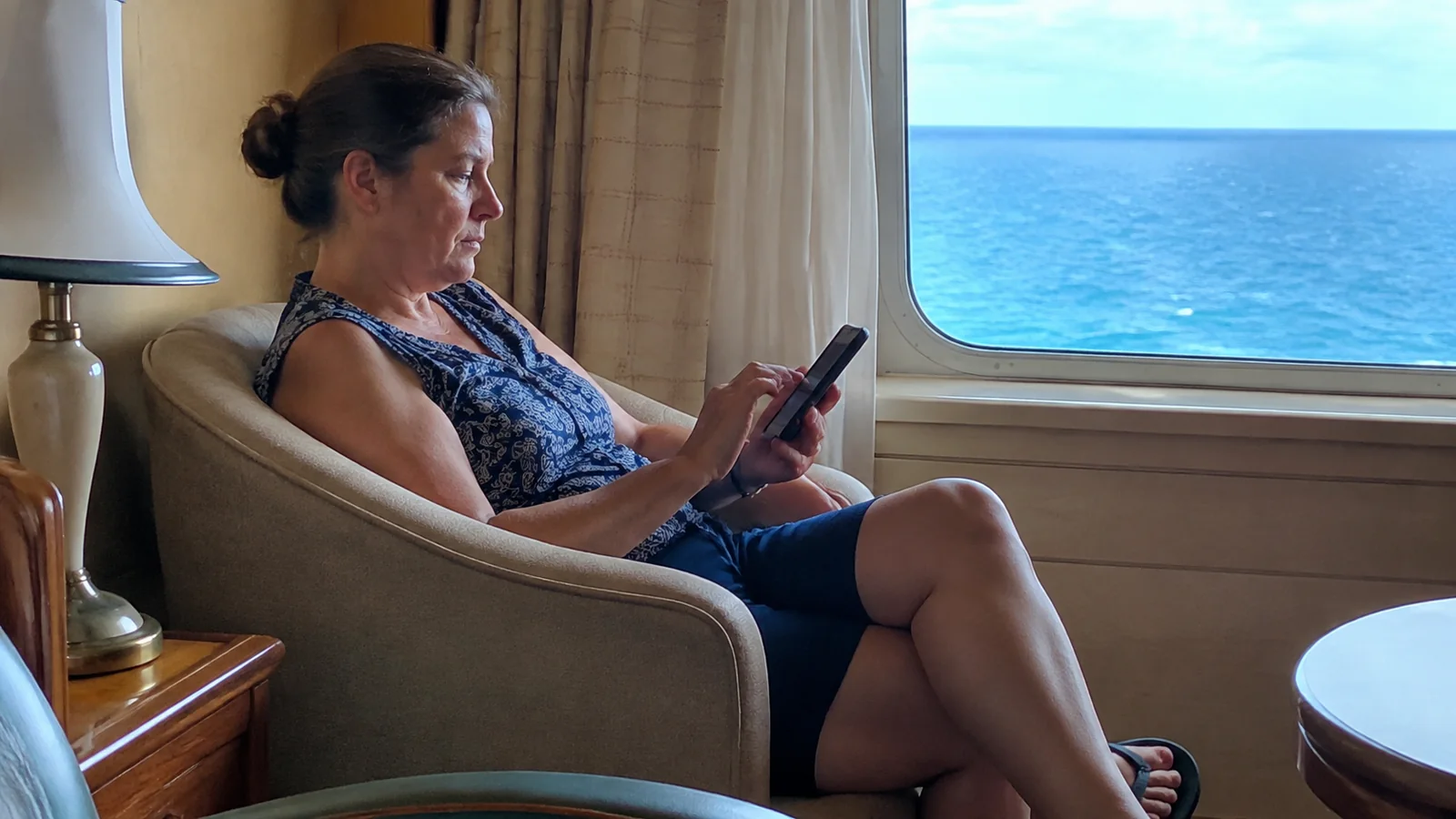
The simple setup I would use
- At sea with ship Wi-Fi: keep airplane mode on and connect to the official guest network.
- At sea with a deliberate cellular plan: verify ship eligibility, activation, allowances, and charges first.
- Ashore: enable only the SIM and data service you intend to use under a confirmed land plan.
- Before sailing again: restore your chosen sea settings and check every connected device.
- Throughout the trip: keep maps, documents, emergency contacts, and meeting instructions available offline.
I would practice this sequence at home if the settings are unfamiliar. Learning it while a tender is boarding or a roaming message appears is unnecessarily stressful.
Airplane mode and Wi-Fi can work together
Airplane mode disables cellular service, while Wi-Fi can be switched back on separately. That lets you use the ship’s network without intentionally connecting to a maritime mobile network.
Apple’s airplane-mode instructions explain how Wi-Fi and Bluetooth can be used while airplane mode remains enabled. For another device, use the manufacturer’s instructions because menus and remembered settings can differ.
I would look for the airplane-mode indicator and check the actual settings after making a change. Do not assume one tap did what you intended if the phone was already in an unusual configuration.
Airplane mode does not prevent every possible charge associated with a phone. Purchases inside apps, paid ship internet, and potentially chargeable carrier Wi-Fi Calling are separate issues.
The useful benefit is control over the cellular connection. Keep that distinction clear instead of treating airplane mode as a universal “free phone” button.
Turning off data roaming is not the same thing
Data roaming controls mobile data use outside the home network under the device’s settings. It does not necessarily prevent calls or ordinary text messages from using a roaming cellular network.
If you do not want maritime cellular service at all, I would use airplane mode rather than rely only on the data-roaming switch. Turn Wi-Fi back on for the services you actually intend to use.
The FCC’s international roaming guide emphasizes checking the carrier’s rules and rates. Voice, texts, and data may be treated differently.
Also check whether background activity can trigger a paid day under your plan. A phone can use data without you deliberately opening a browser.
I would ask the carrier what starts the charge, not simply whether the plan is “active.” Having a service available and triggering a billable day are different questions.
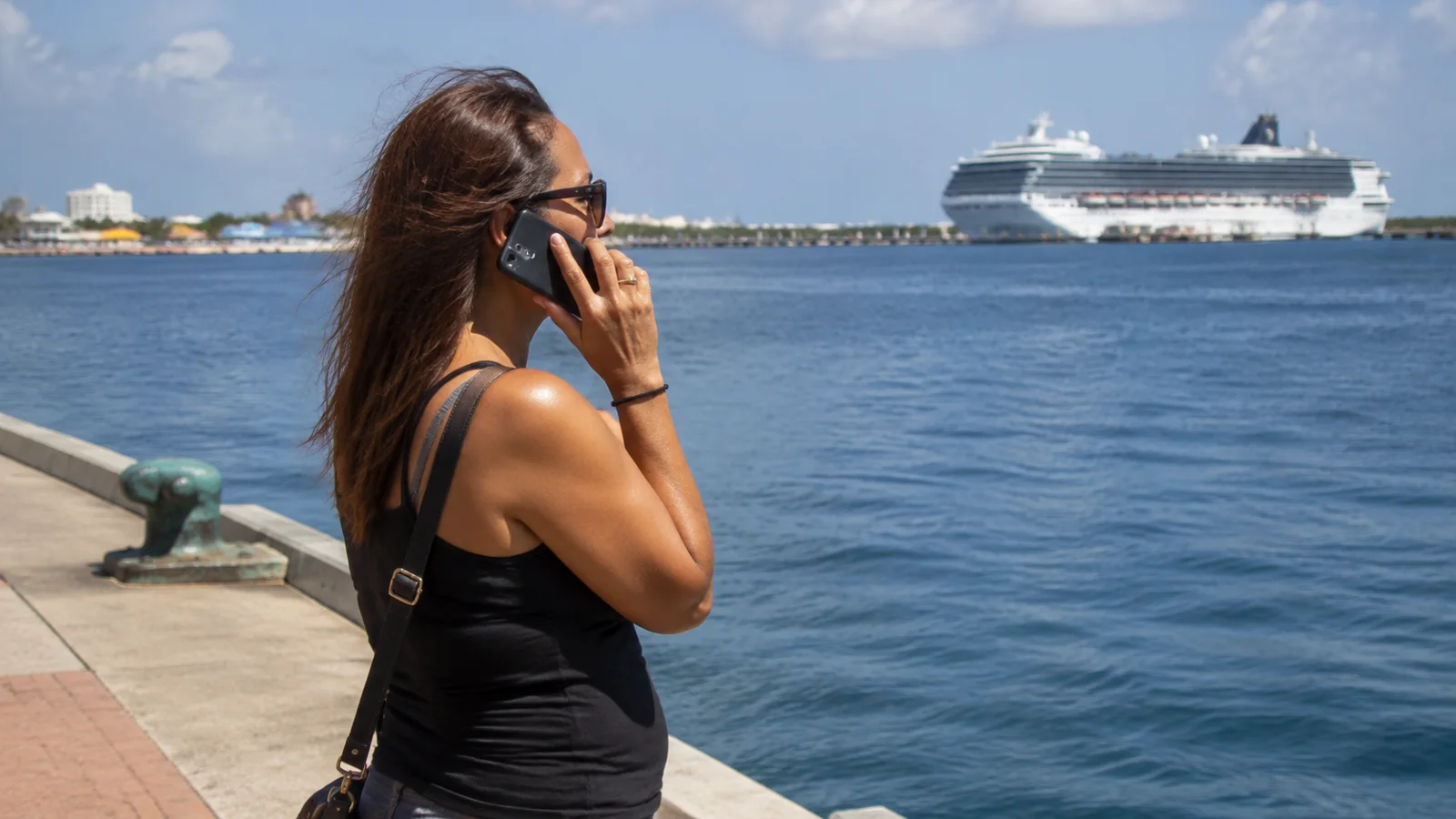
Cruise cellular coverage has changed
Do not assume that all international plans exclude cruise ships, but do not assume yours includes them either. Some carriers now offer maritime coverage through a specific pass or eligible plan.
AT&T’s International Day Pass details currently describe separate land and at-sea pricing, including $20 per line for days used at sea. Check eligibility, included usage, and the terms that apply to your account.
Verizon’s Cruise Daily Pass FAQ distinguishes its cruise service from land options such as TravelPass. That difference is why recognizing the name of your international plan is not enough.
I would use the carrier’s ship list and account-specific offer before switching cellular on. A plan supporting one ship or network may not cover another itinerary or another line on the family account.
Avoid quoting an old pay-per-minute rate as if it is everyone’s current bill. The important decision is whether you have a verified plan or are accepting whatever pay-per-use charges apply.
Compare cellular and ship Wi-Fi before buying both
A carrier cruise plan and the ship’s Wi-Fi package provide different connections. Their coverage, allowances, speed limits, and billing rules may differ.
If your main use is messaging and internet browsing aboard, compare the total cost with the ship’s plan. If normal phone calls are important, check exactly how each option supports them.
I would not automatically buy both services for every traveler. Paying twice can make sense for a specific need, but it should solve a real problem.
Check whether an at-sea plan also covers usage in port, whether land charges can apply separately, and what happens when a daily allowance is exhausted. Read the current offer rather than inferring those details from the word “unlimited.”
My cruise budget guide can help compare the full trip cost. A modest daily phone charge multiplied across several lines and days can become a substantial extra.
Wi-Fi Calling needs its own check
Carrier Wi-Fi Calling uses your phone number over a suitable internet connection, but availability depends on the carrier, device, plan, and network. It is different from making a call inside an app such as WhatsApp.
Check whether the ship supports it and how your carrier bills calls to different countries. An internet package does not automatically make every call free.
Carnival’s internet plan page explicitly says cellular-network-dependent Wi-Fi Calling is not supported. Do not buy its Premium plan solely on the assumption that this feature will work.
If you intend to use Wi-Fi Calling elsewhere, set it up and test it at home first. Keep a separate contact method in case the ship or destination connection does not support it.
I would not rely on a promised text verification code as the only route into an essential account. Set up approved alternative authentication methods before traveling when the service provides them.
Messaging apps are not ordinary SMS
An internet messaging app may work through a supported ship internet package while your phone’s ordinary SMS does not. Photo messages, voice messages, and video calls may have different requirements from plain text inside the same app.
Agree with family at home on one tested method. I would make sure they know whether to use the app rather than sending a regular text to the phone number.
The cruise line’s onboard chat may only connect people using the ship’s network. It should not be assumed to reach a relative at home or someone who has already gone ashore.
For the group aboard, add a physical meeting place and time. My family cruise planning guide can help with the wider routine, but no app should be the only way a family reunites.
If a message fails, check which service you are using before changing cellular settings. Turning roaming on is not the first troubleshooting step I would choose.
Dual-SIM phones need deliberate settings
A phone with a home SIM and travel eSIM can have more than one active line. Choosing a travel eSIM for data does not automatically establish that the home line cannot make or receive chargeable calls.
Check which line handles mobile data, calls, and messages. Review any automatic data-switching setting that could move traffic to the other line.
I would disable the unused line when practical if I do not need it, after checking how that affects account verification and necessary communications. Keep a record of the original settings so you can restore them.
A travel eSIM advertised for Caribbean or European countries may cover land networks without covering maritime service. Conversely, a specialized cruise eSIM needs its own ship and network verification.
Do not assume that the phone being unlocked resolves all compatibility questions. Confirm the device supports the product and follow the provider’s activation instructions before departure.
Watches and tablets can roam too
A cellular smartwatch or tablet may have its own service arrangements. Setting the phone to airplane mode does not automatically prove that every connected device is configured the same way.
Check each cellular-capable device and decide whether it needs independent connectivity. I would disable an unnecessary cellular connection for the cruise.
A watch paired over Bluetooth can still provide useful functions without a separate maritime connection, depending on the device and settings. Test the functions you care about before relying on them.
Remember to check children’s devices as well as your own. The most expensive phone mistake may happen on the tablet nobody remembered had a SIM.

Use land cellular service only after confirming coverage
Before going ashore, verify that the destination is included in your land plan and whether a daily fee applies. Nearby islands can belong to different countries or territories with different coverage treatment.
Once ashore, enable the intended line and check the displayed network. Do not assume proximity to land guarantees the network or billing route you expect.
I would set a reminder to restore the sea settings before the ship leaves. Waiting until the next morning can leave a phone connected to maritime service overnight.
If your port plan depends on maps or a tour contact, download those details before leaving the ship. My Grand Cayman port guide is a useful example of planning around a tender landing and a firm return deadline.
For a distant independent trip, have a backup contact method and enough battery for the return. A data plan is only useful while the device still works.
Protect your battery and essential information
Download boarding documents, attraction tickets, maps, and booking confirmations before travel. Check that they open without an internet connection rather than assuming a saved link is an offline copy.
Carry the port agent’s number and required return time in a form you can access if an app fails. My cruise packing reminders include the small backups that make this easier.
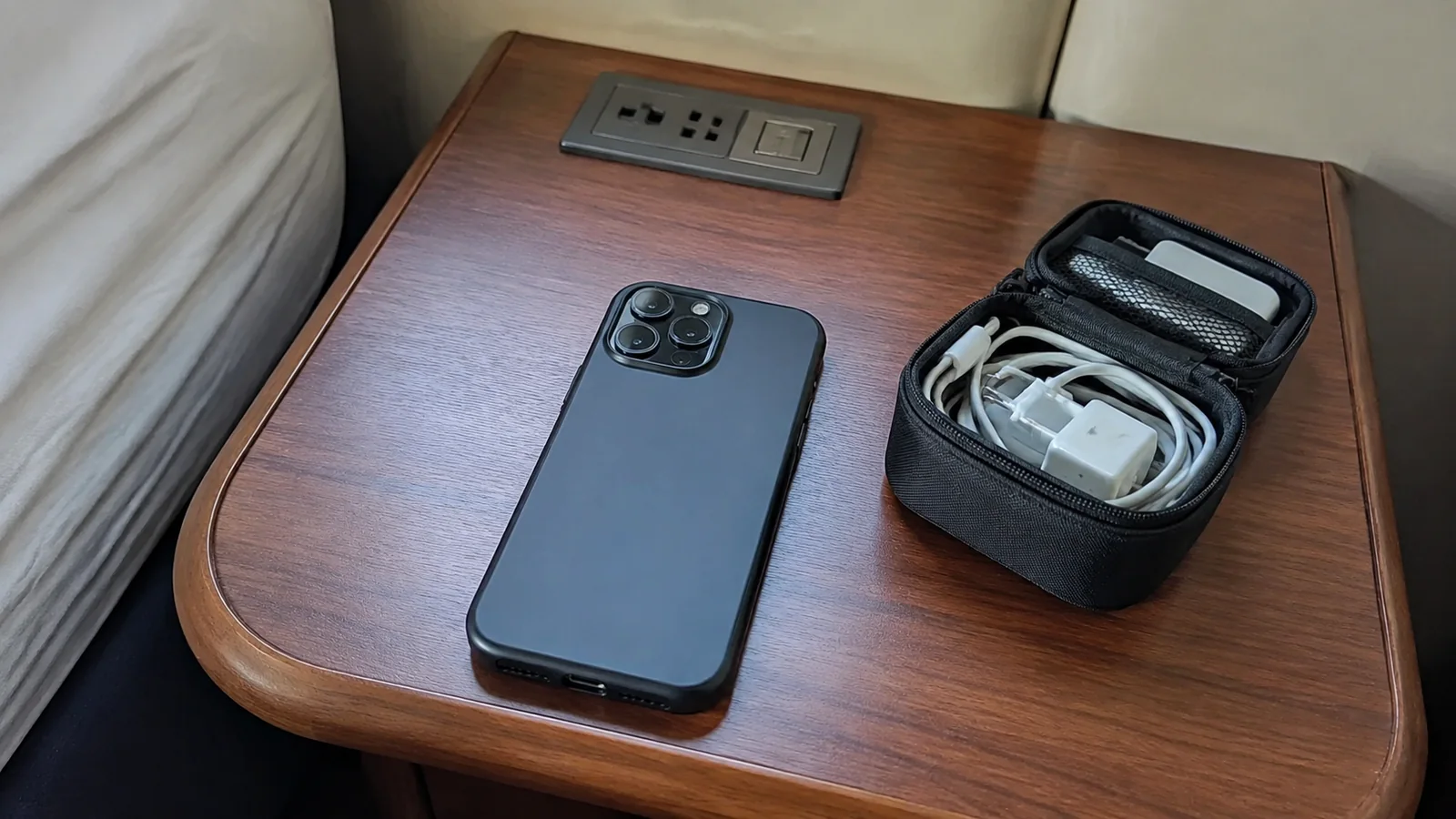
I would bring an appropriate power bank and charging cable, keeping within the transportation and cruise-line rules for the equipment. A flat battery can interrupt navigation and payments even if cellular coverage is excellent.
Save photos and important information through a method you trust, but consider pausing large automatic uploads on limited plans. Check the app’s settings rather than assuming background traffic is negligible.
If you see an unexpected charge
Disable the unwanted connection and contact the carrier promptly. Note the dates, times, network, device, and messages associated with the usage.
Ask for an explanation of the charge and whether any correction or adjustment is available. Do not assume a carrier must reverse it because you misunderstood the plan.
I would retain screenshots of the offer and any confirmation from customer support. They make an account-specific dispute clearer than a general statement that the cruise was supposed to include internet.
Check the ship’s internet bill separately if you also bought Wi-Fi. Two providers can charge for two different services without either bill being a duplicate.
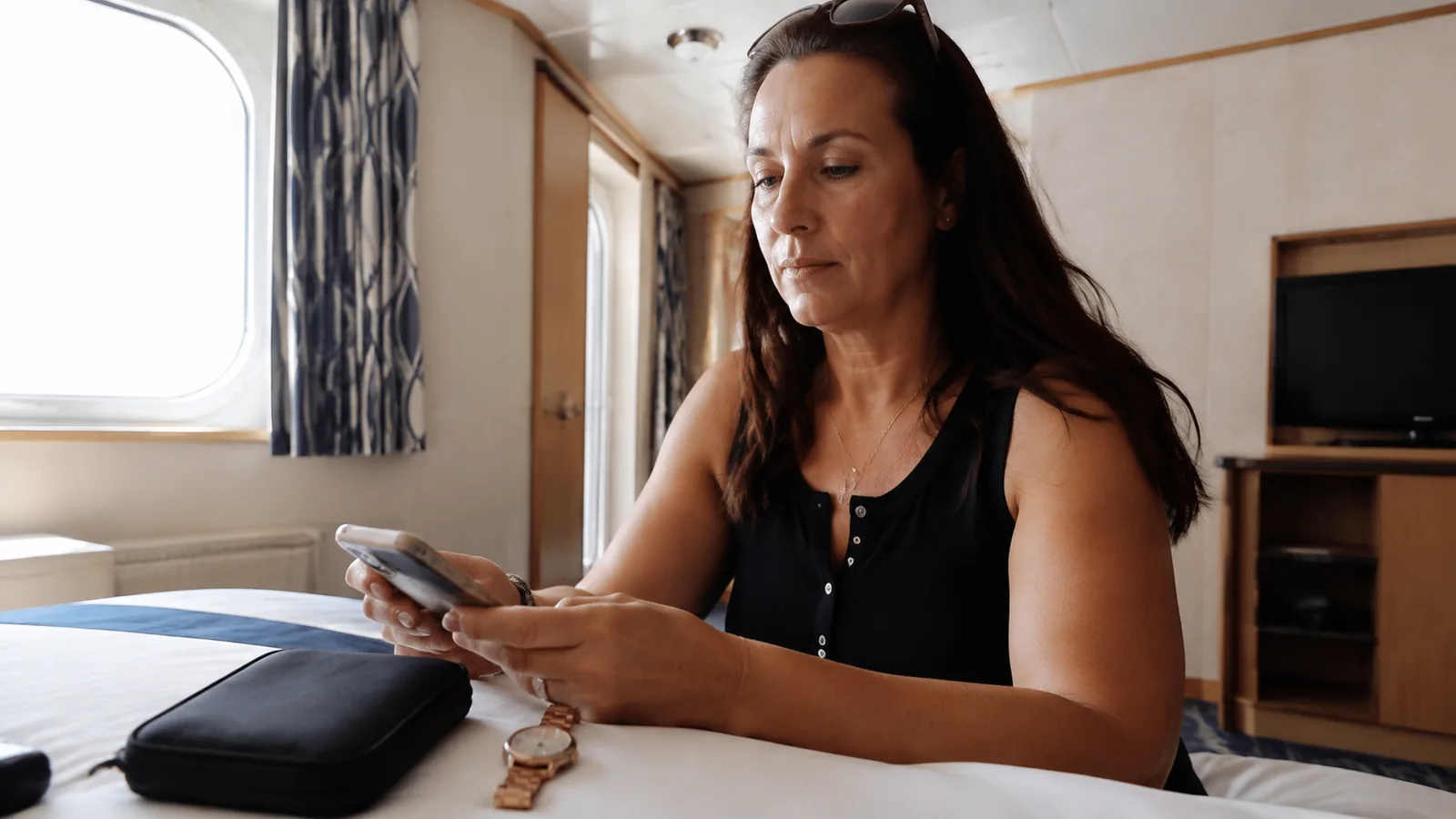
My phone routine for the trip
I would leave home with the cruise app tested, documents downloaded, and the carrier’s current coverage saved. At sea, my default would remain airplane mode with Wi-Fi enabled.
Ashore, I would use only the land service I had chosen, then restore those sea settings before departure. That small routine is more dependable than trying to remember which connection is safe each time a notification appears.