Royal Caribbean Internet Packages: VOOM Devices, Costs and Wi-Fi Tips
Royal Caribbean’s paid internet is called VOOM, and the current core offer is a high-speed package sold for one to four simultaneous devices. The right choice depends less on fancy plan names and more on how many people need to be online at once, so let me help you buy enough access without paying for slots that sit unused.
Royal Caribbean internet packages at a glance
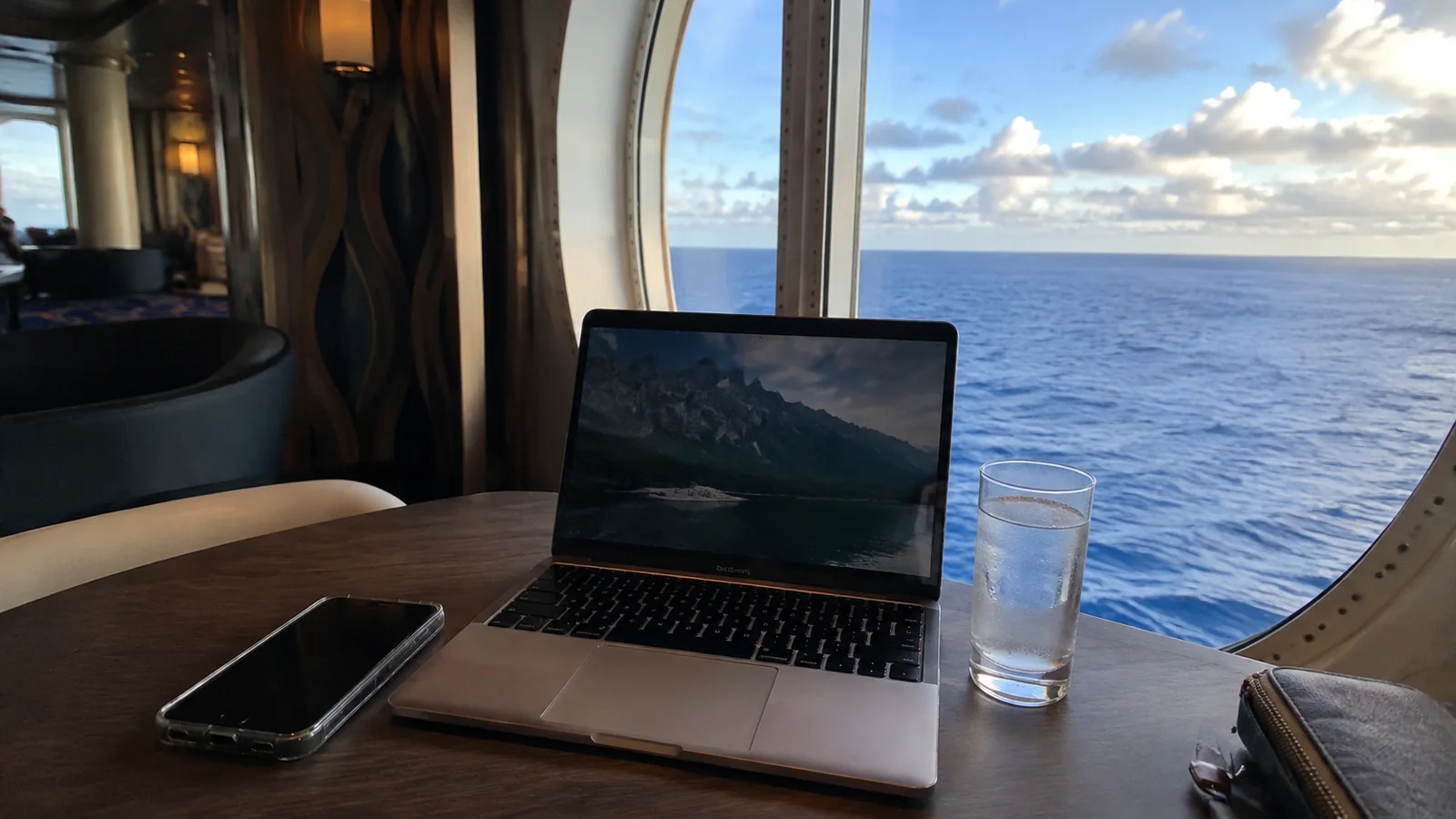
Royal Caribbean currently promotes a VOOM High Speed Internet Package with continuous access for the sailing. It is designed for web browsing, email, social media, internet messaging, video chat, streaming, and remote work, with packages available for as many as four devices.
That list describes what the service is intended to support, not a promise that every task will work perfectly at every moment. A ship is a moving environment, and the practical experience can change with location, demand, equipment, weather, and the website or app being used.
The most reliable place to see the exact offer for your reservation is the Cruise Planner. Royal Caribbean’s own current VOOM overview says prices are estimates that vary, while pre-purchase is often available at a better price.
You may still encounter “Surf + Stream” on an older article, regional page, confirmation, or package bundle. Do not assume that means every sailing has two universal tiers because the names, inclusions, and sales presentation can change.
What VOOM actually buys you
A paid VOOM package takes you beyond the ship’s free local network and onto the public internet. That is the piece you need for ordinary websites, personal email, social media, cloud services, most outside messaging apps, and streaming platforms.
The package is usually offered for the entire cruise, which is handy for travelers who want predictable access every day. Royal Caribbean also says a one-day option can be purchased, although availability and the onboard offer should be checked on the sailing rather than assumed.
Internet is not automatically included in a standard cruise fare. It may be included through a qualifying suite benefit, loyalty offer, casino offer, group arrangement, promotion, or an add-on such as The Key, but the booking documents must confirm that.
This is one of those cruise purchases where the name matters less than the details underneath it. Check the number of devices, covered guests, access dates, cancellation language, and final total before paying.
One device does not mean one physical gadget forever
The device number is best understood as a limit on simultaneous connections. A one-device package is for one phone, tablet, or computer online at a time, while a four-device package allows as many as four devices online together.
That distinction is wonderful for one traveler carrying a phone and laptop. You generally do not need to buy two simultaneous slots if you are happy to stop using one before connecting the other.
Follow the onboard sign-in portal when changing gadgets, and properly sign out or disconnect the first one before activating the next. If the system still thinks the old device is using the slot, the internet help desk can show you the current process on that ship.
I would avoid memorizing a logout website from an old forum post. Login screens and authentication instructions can change, so the portal shown onboard is the instruction that counts.
Should a couple buy one device or two?
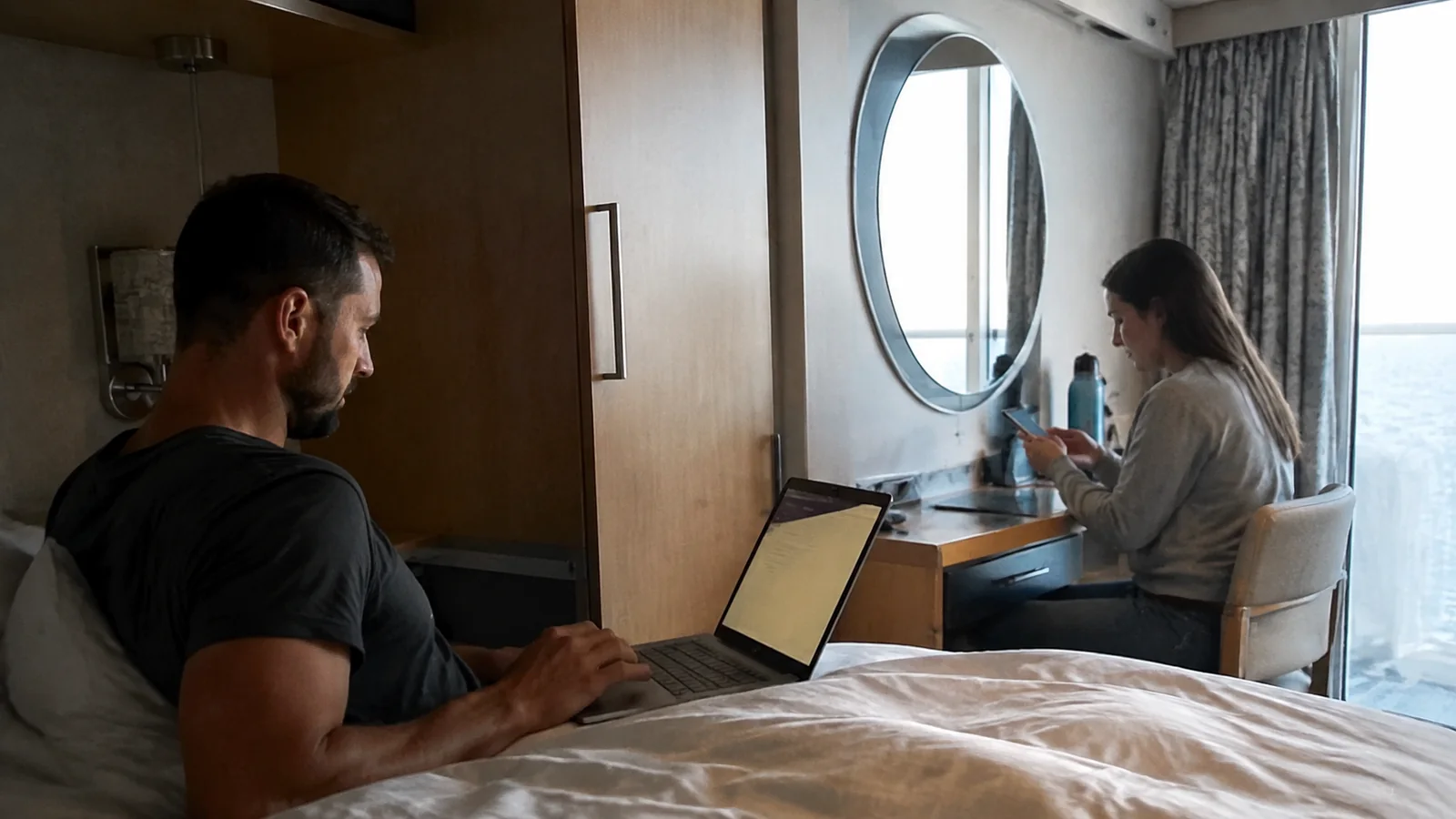
A one-device package can work for a patient couple who only need occasional access. One person goes online, finishes, disconnects, and hands the active slot to the other person.
It becomes annoying when one person is checking a flight change while the other is messaging home, or when both want to scroll before bed. If simultaneous access will prevent daily negotiations, price the two-device version against two separate one-device purchases.
A family can use the same logic. Count the most devices that truly need outside internet at one moment, not every phone and tablet packed in the luggage.
- One slot: best for a solo traveler, a light-use couple willing to take turns, or someone alternating between a phone and laptop.
- Two slots: useful for a couple who wants independent access or one person working with a phone and computer at the same time.
- Three or four slots: often simpler for families or groups with several people who genuinely need concurrent access.
A multi-device package can be more convenient than separate accounts, but share access only with people you trust. Anyone using the same credentials may be able to interrupt a connection or see account information presented by the portal.
You can use the Royal Caribbean app without buying internet
This is the money-saving fact I wish every first-time cruiser saw before checkout: you do not need a paid internet package just to use the Royal Caribbean app onboard. Royal Caribbean says to connect to the ship’s Guest Wi-Fi in your phone settings, then open the app.
The official Royal Caribbean app connection instructions make that distinction explicit. Guest Wi-Fi is the ship’s local network, while a VOOM purchase opens access to the wider internet.
Without paid internet, the app can still be useful for the ship’s daily schedule, dining details, reservations, account information, and other supported onboard functions. Exact app features can vary by ship and sailing, so treat it as a tool rather than your only source of important instructions.
Download the app, sign in, and update it while you still have dependable service on land. Add that task to the pre-trip checklist in my first-time cruise tips, because embarkation day is busy enough without a forgotten password.
Royal Caribbean app chat is free onboard
Royal Caribbean currently offers guest-to-guest chat in its app at no charge onboard. Guests in the same stateroom are automatically connected, and the app can invite other guests to chat.
The company’s Guest Chat FAQ confirms that the feature works through ship Guest Wi-Fi without a paid VOOM package. That can be enough for a family coordinating lunch, a show, and a pool-deck meeting point.
App chat is not the same as ordinary texting, iMessage, WhatsApp, Facebook Messenger, or email. Those outside services normally need internet access, and notifications may be less noticeable than a standard text.
Agree on backup meeting places and times before everyone scatters. Free chat is helpful, but no vacation should unravel because someone muted a notification.
Put your phone in airplane mode before sailing
Ship Wi-Fi and cellular service at sea are different systems. A phone can connect to maritime cellular service, and your mobile carrier decides the applicable roaming charges.
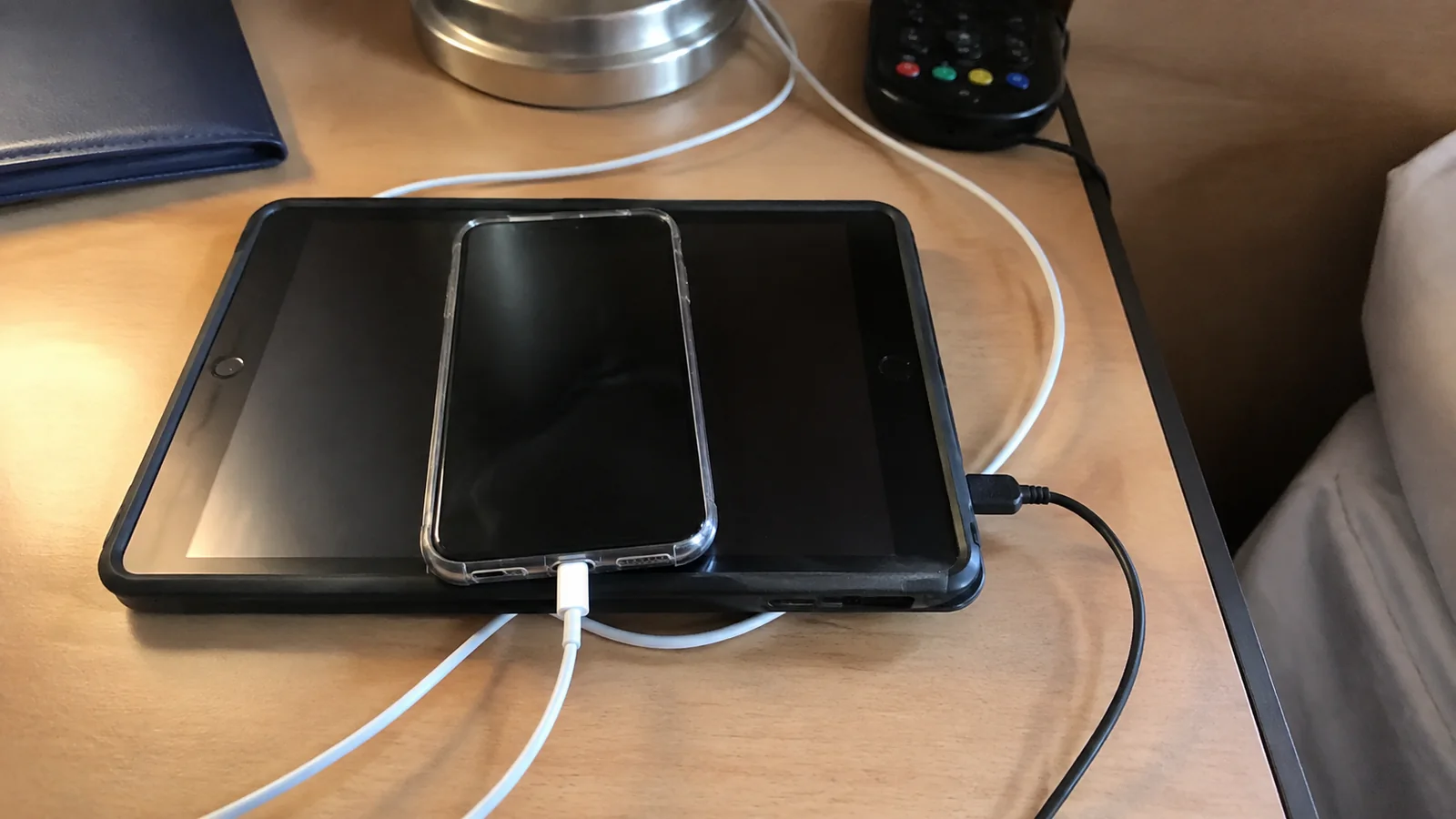
Royal Caribbean’s cell phone guidance tells guests to contact their wireless provider for rates. The safest routine for most people is to turn on airplane mode, then manually switch Wi-Fi back on when they want Guest Wi-Fi or VOOM.
Also check that cellular data roaming is disabled and understand your carrier’s cruise or international policy. Airplane mode is a small tap that can prevent an extremely un-fun bill from becoming your trip souvenir.
Wi-Fi calling may work when your device, carrier, settings, and connection cooperate, but it is not something I would promise. Set it up before departure and have another contact method ready.
Buy before the cruise or wait until onboard?
For most travelers who know they want internet throughout the cruise, the sensible first move is checking the Cruise Planner before departure. Royal Caribbean says advance purchase is often priced better than buying onboard, but “often” is not the same as “always.”
Promotions change, and the displayed percentage off can distract from the number that matters. Compare the final price for the full sailing, including the device count and any taxes or charges shown at checkout.
If the price drops while the booking remains eligible for cancellation and repurchase, the Cruise Planner terms will explain your options. Read those terms before canceling an existing purchase because a banner price may apply to a different device count or package.
Waiting until onboard makes sense when you are unsure whether you will need service or only want a one-day pass. The tradeoff is that the onboard rate or available promotion may be less appealing.
How to decide whether the price is worth it
There is no honest fixed price I can give you because Royal Caribbean varies internet offers by sailing, timing, and device count. Instead, divide the complete package total by the number of cruise nights and by the number of people who will actively use it.
Then compare that daily cost with your real reason for connecting. Flight monitoring, family contact, school responsibilities, and a work check-in may justify the expense, while casual social scrolling might not.
Do the same whole-trip math for every cruise add-on rather than evaluating each little daily price in isolation. My breakdown of Royal Caribbean drink package value uses the same practical idea: calculate around your habits, not the marketing headline.
If two adults can take turns on one slot, price that against two slots. If a teenager only wants to message family members onboard, try the free app chat before buying outside internet for everyone.

A worked seven-night cost comparison
Here is an illustrative example using hypothetical quotes, not a Royal Caribbean tariff or a claim about today’s sale. Suppose your seven-night sailing shows $24 per day for one device, $38 per day for two devices on one package, and $24 per day for each separately purchased one-device package.
- Purchase: One device shared in turns
- Seven-day total: $24 × 7 = $168
- What it allows: One active internet connection at a time
- Purchase: One two-device package
- Seven-day total: $38 × 7 = $266
- What it allows: Two simultaneous connections
- Purchase: Two separate one-device packages
- Seven-day total: $24 × 7 × 2 = $336
- What it allows: One connection under each package
In this example, taking turns saves $98 compared with buying two simultaneous connections. One two-device package saves $70 compared with two separate one-device purchases.
I would share one connection if we only wanted occasional messages and could agree on when to log out. I would pay the extra $98 if both people needed internet at once, because constant switching would interrupt the activities the package was meant to support.
Replace every number with the final Cruise Planner checkout totals, including any applicable taxes or fees, and use the actual number of billed package days. Compare loyalty discounts, included suite benefits, and bundle restrictions before assuming the displayed daily rate is your final cost.
How reliable is Royal Caribbean Wi-Fi?
Royal Caribbean advertises VOOM for streaming, video calls, and remote work across its fleet. I would still plan around variability because no satellite connection on a moving ship should be treated like a wired home office.
Your experience can differ by ship, location, itinerary, network demand, weather, hardware, and even where you stand onboard. A good connection in the morning does not guarantee the same performance during a busy evening.
Moving closer to a public area or access point can help if the cabin signal is weak, but it will not solve every network issue. First toggle Wi-Fi, forget and rejoin the network if instructed, close background downloads, and test a simple website before declaring the entire service down.
Starlink branding should not be read as a speed or coverage guarantee. Satellite availability and network routing still meet the messy realities of geography, regulation, congestion, ship structure, and weather.
Streaming movies, music, and social video
The current VOOM package is marketed for streaming, so Netflix, YouTube, music apps, and short-form video are reasonable intended uses. Actual quality can fluctuate, and a platform may impose its own location, licensing, account, or device restrictions.
Download a few shows, playlists, podcasts, books, and maps before sailing anyway. Offline entertainment costs nothing extra and remains wonderfully reliable when the connection decides to take a little vacation too.
Turn off automatic photo backup, operating-system updates, and cloud syncing unless you truly need them. Background transfers can quietly occupy bandwidth and make the app in your hand feel slower.
Pack the right charging cable and a cruise-compliant power setup as well. The checklist of commonly forgotten cruise essentials is worth one last look before the suitcase closes.
Can you work remotely or use a VPN?
Royal Caribbean lists remote work, email, browsing, and video calls among VOOM’s intended uses. That makes routine tasks possible in principle, but it does not turn a cruise into a guaranteed office.
Corporate VPNs can be especially fussy because company security policies, authentication tools, ports, and network conditions differ. Royal Caribbean does not provide a universal promise that every employer’s VPN or calling platform will work.
If work is unavoidable, install updates and test the VPN before leaving home. Save essential files offline, bring the correct charger, set up multifactor authentication, and ask your IT team for recovery codes or an approved backup method.
Schedule demanding calls while the ship is in port only if you have a legal, secure, confirmed alternative connection there. Public Wi-Fi can create privacy risks, and cellular coverage or roaming costs still vary by destination and carrier.
Never make a shipboard connection the single point of failure for a court appearance, medical consultation, financial closing, exam, or career-defining presentation. If an obligation truly cannot move, the responsible choice may be changing the travel date rather than hoping the signal behaves.
Do suites include Royal Caribbean internet?
Some premium accommodations include internet, but a suite booking by itself is not enough information. Royal Suite Class benefits depend on the ship, suite tier, and exact category.
Royal Caribbean’s current suite internet FAQ says qualifying Star and Sky guests receive a one-device VOOM package per person, with listed exclusions and ship-specific conditions. It also describes that benefit as working on one device at a time.
Other bookings may show internet through The Key, a promotion, Crown & Anchor benefits, or another offer. Check the invoice, benefit list, and Cruise Planner attached to your reservation before purchasing a duplicate package.
Do not rely on a screenshot from another guest because their ship, cabin, loyalty level, or booking date may be different. Your own documents win every argument with the internet.

Does VOOM work at Perfect Day at CocoCay?
Royal Caribbean says a purchased VOOM package remains active at Perfect Day at CocoCay. That is a useful exception to the usual expectation that ship Wi-Fi ends when you walk ashore.
Do not extend that assumption to every port or private destination. Once off the ship elsewhere, you may need local cellular service, a carrier travel plan, or approved public Wi-Fi.
My simple setup checklist
- Download and update the Royal Caribbean app before departure.
- Save the cruise line login and VOOM purchase confirmation securely.
- Download entertainment, travel documents, port maps, and essential work files.
- Check your mobile carrier’s cruise and international roaming terms.
- Turn on airplane mode after departure, then manually enable Wi-Fi.
- Join the official ship Guest Wi-Fi and follow the onboard portal.
- Test app chat with travel companions and agree on backup meeting points.
- Disable automatic updates, cloud backups, and other unnecessary syncing.
Take screenshots of excursion tickets and daily must-do details instead of assuming the app will load at the exact second you need it. A low-tech backup feels delightfully clever when a login screen is being stubborn.
Who should buy VOOM?
VOOM makes sense for travelers who need regular contact with home, flight and weather monitoring, outside messaging, social sharing, or routine online access. It can also be worthwhile for families who use internet entertainment during downtime, provided they choose a realistic simultaneous-device count.
A paid package is more difficult to recommend solely for emergencies. Family members should know the ship name, sailing dates, and Royal Caribbean’s shore-side contact process, while you should understand how crew can assist with an urgent situation onboard.
Who can probably skip it?
You may be perfectly happy without paid internet if the goal is to disconnect, use the onboard app, and message only fellow guests through Guest Chat. Port-day cellular access under an existing travel plan may cover the few outside check-ins you want, but confirm its countries, data rules, and roaming costs first.
Another good compromise is starting offline and considering a one-day purchase later if available. Just accept that the onboard price can differ from the earlier Cruise Planner offer.
The bottom line
Royal Caribbean’s internet decision comes down to three questions: who needs the public internet, how many devices must be connected simultaneously, and how disastrous would a temporary interruption be. Buy the smallest device count that fits those answers, not the total number of screens in your suitcase.
Use free Guest Wi-Fi for the Royal Caribbean app and Guest Chat, keep airplane mode on, and treat the Cruise Planner for your sailing as the price and package authority. VOOM can keep a vacation connected, but smart offline backups are still the best little upgrade you can give yourself.