Carnival Cruise Internet: Wi-Fi Plans, Devices, and Honest Limits
Carnival sells four useful levels of internet access, but the right choice depends on the apps you need, not who promises to “stay connected.” Social handles a narrow app list, Value adds general browsing and email, Premium supports streaming where coverage allows, and Premium Multi-Device serves up to four devices.
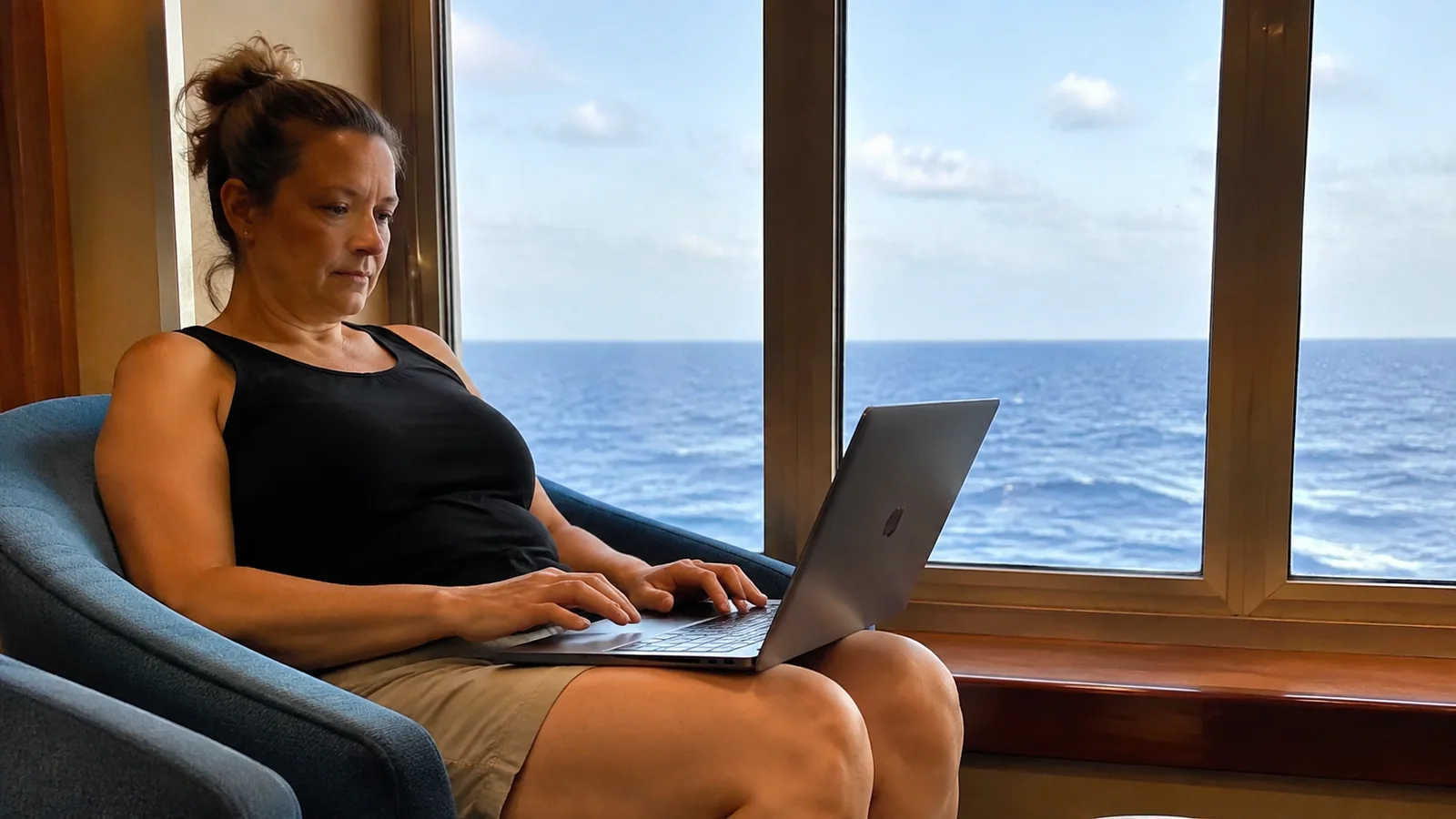
Carnival Wi-Fi Plans in Plain English
Carnival’s published internet terms were checked September 4, 2026. Prices are deliberately not frozen into this guide because Carnival says pre-cruise and onboard rates differ and may change without notice.
- Social Wi-Fi: Best for listed social platforms, messaging through supported apps, iMessage, and major airline sites.
- Value Wi-Fi: Best for email, news, weather, sports, and ordinary web browsing, plus Social access.
- Premium Wi-Fi: Best for travelers who need supported streaming, video chat, Zoom, Ring, and the broadest single-device access.
- Premium Multi-Device Wi-Fi: Best for up to four devices that need simultaneous Premium-level connections.
- No paid plan: Enough for the Carnival HUB app’s onboard functions, but not the open internet.
The line’s current Wi-Fi help page is the source of truth for plan names, supported uses, restrictions, and live published pricing. Check it and your Manage My Booking offer before purchase because a screenshot from another sailing may no longer match.
Social Wi-Fi Plan: Best for a Narrow App List
Social includes access to platforms Carnival currently names, including Facebook, Instagram, WhatsApp, Snapchat, TikTok, Pinterest, X, Reddit, LinkedIn, and major airline sites. Carnival also says iMessage is included in all plans.
The name is a warning as much as a description. Social excludes most other websites, email, video and music streaming services, cellular-network-dependent Wi-Fi calling, and FaceTime.
Choose Social when your whole internet plan is basically messages and approved feeds. Do not choose it for work email, a webmail account, general web searches, cloud documents, live television, or a favorite app that Carnival does not list.
Social Plan Tradeoffs
An app can contain features beyond the part Carnival supports. A platform’s text feed may load while an embedded video, external link, login handoff, or cloud backup fails or performs poorly.
App companies also change domains and delivery methods without asking the cruise line. If one particular function is essential, ask Carnival about that function instead of assuming the app name settles it.
Value Wi-Fi Plan: Best for Email and Browsing
Value adds general websites, email, news, sports, weather, and a faster connection than Social in Carnival’s description. This is the sensible middle plan for someone who wants to check in, browse normally, and manage travel without making video the priority.
Carnival says Value does not support video streaming or cellular-network-dependent Wi-Fi calling. Its current restriction list does say FaceTime is available on Value and Premium, which is narrower than promising smooth video calls at every moment.
Choose Value if you need practical internet access but can download entertainment before leaving home. It is usually more logical than paying for Premium merely to scroll, send email, look up a port, or confirm a flight.
Value Plan Tradeoffs
“Faster” is relative to Social, not a home-broadband speed commitment. Carnival warns that satellite internet speed varies by location and time of day.
A web page may load well while a video call struggles because the two tasks need different consistency and latency. If a live meeting truly matters, Value is not a low-risk substitute for a stable office connection.
Premium Wi-Fi Plan: Best for Streaming and Video Chat
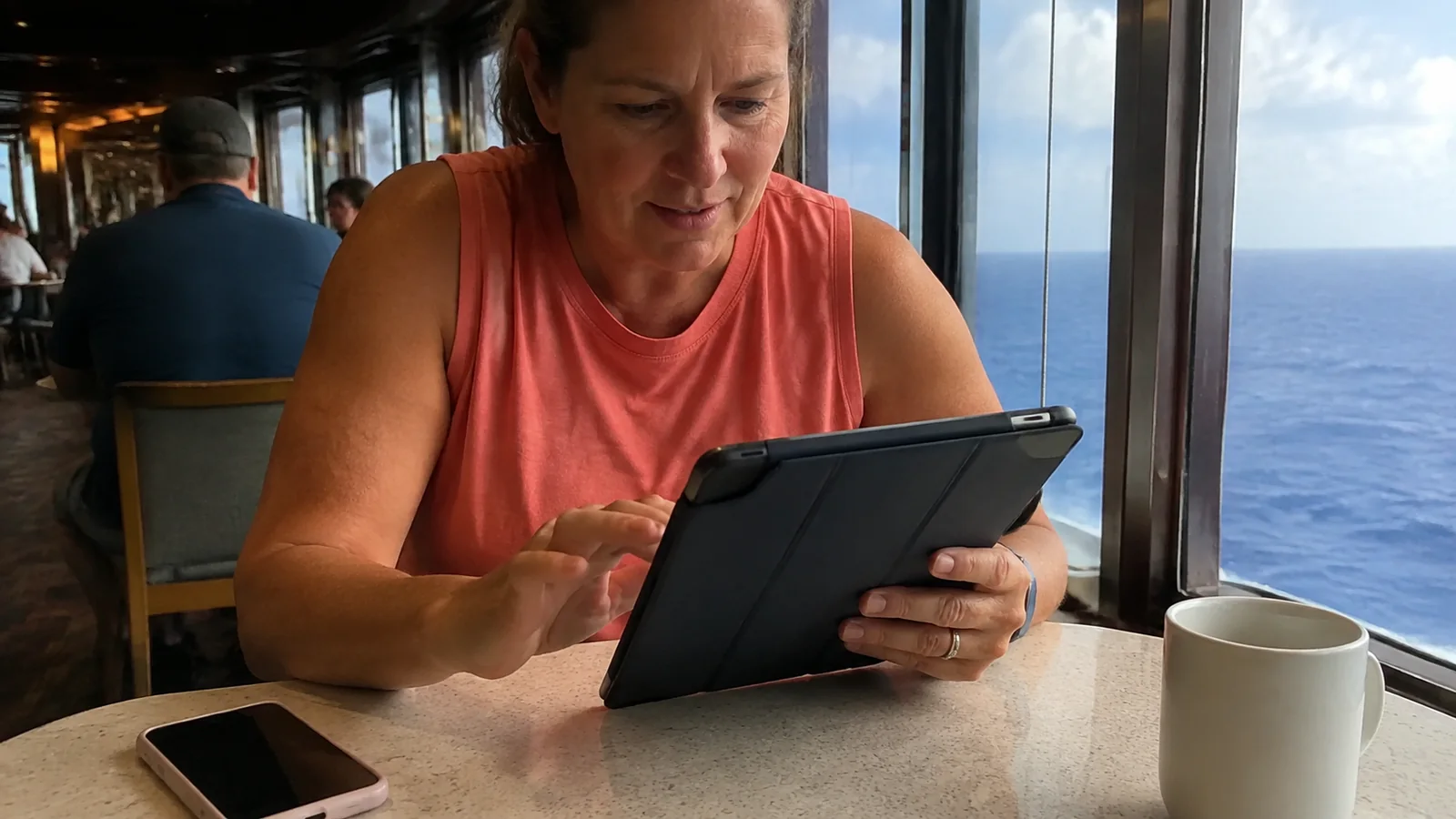
Premium includes the Social and Value sites and is marketed at speeds up to three times faster. Carnival currently lists Netflix, Hulu, Spotify, FaceTime, Zoom, and Ring as supported where coverage allows, with separate third-party subscriptions still required.
The phrase “where coverage allows” deserves a bright yellow highlighter. Weather, the ship’s position, network demand, satellite handoffs, and the service itself can affect whether streaming or a call works well.
Premium is the best fit for a traveler who plans to stream, video chat, monitor a supported home device, or join an occasional meeting. It is still not a service-level agreement, and it does not turn a sea day into guaranteed remote-work infrastructure.
Premium Still Does Not Support Everything
Carnival says cellular-network-dependent Wi-Fi calling is not supported, even on Premium. It also says VPN connections are not supported and directs work travelers to discuss that limitation with their employer’s IT department.
That VPN rule can be a complete deal-breaker for corporate systems, health care portals, financial tools, or remote desktops. Test requirements with IT before sailing, then download needed files and arrange a human backup rather than hoping the policy bends onboard.
Premium Multi-Device: Four Simultaneous Connections
Premium Multi-Device provides Carnival’s fastest plan across up to four devices. Carnival currently says it is available only for online purchase before sailing, cannot be bought onboard, and may be shared with guests in additional staterooms without exceeding four devices.
This is not the same as buying ordinary Premium and signing into several gadgets. The standard plans let you register or switch among multiple devices, but only one can be connected at a time.
The multi-device option makes sense for a household that needs several phones, tablets, or laptops online simultaneously. It can be wasteful if everyone can take turns, spends most port days ashore, or mainly needs the free HUB app.
How Carnival’s One-Device Rule Works
A standard Social, Value, or Premium plan supports one active device at a time. You can move the connection from a phone to a laptop, but you cannot keep both using that same plan simultaneously.
Logging out cleanly before switching reduces confusion. If the portal says the plan is in use elsewhere, disconnect the first device, turn off its auto-join behavior, and follow the onboard sign-in prompts on the second.
Do not build the family communication plan around one shared login unless taking turns will truly work. When adults split up and need outside messaging at the same time, buy separate standard plans or compare the four-device option before departure.
You Do Not Need Paid Wi-Fi for the HUB App
The Carnival HUB app works through the ship’s Wi-Fi without an internet package. Carnival’s official HUB app page lists schedules, ship maps, food and drink information, account tools, daily planning, and other onboard functions.
HUB chat is a separate onboard feature with its own small voyage fee and eligibility terms, not an open-internet plan. Download and update the app before travel because app-store access is exactly the sort of avoidable chore you do not want at embarkation.
The free ship network only reaches Carnival’s onboard system. It will not let you browse outside sites, check ordinary email, or use unsupported messaging simply because the Wi-Fi icon appears connected.
How Much Does Carnival Internet Cost?
Carnival publishes per-day prices for cruise-long plans and separate onboard rates. The booking flow can show the relevant total for your sailing, while the help page warns that pricing is subject to change without notice.
Pre-purchase plans must cover the entire cruise and are sold online until Carnival’s stated cutoff before embarkation. Daily plans are available onboard, but Carnival says there is no refund after an onboard plan is activated.
Compare totals, not just the daily difference between tiers. On a longer voyage, a modest per-day upgrade becomes a meaningful expense, while two individual Premium plans may or may not beat the live four-device price.
A Better Break-Even Test
List the tasks you will actually do, the number of simultaneous users, and the days spent mostly ashore. Then price the lowest plan that officially supports those tasks against using port or hotel connectivity and staying offline at sea.
Entertainment is the easiest data need to eliminate. Download movies, music, podcasts, books, maps, tickets, reservation confirmations, and any cruise packing checklists before leaving home.
Can You Work From a Carnival Cruise?
Occasional email and flexible tasks can be reasonable on Value or Premium. Deadline-critical calls, VPN-only systems, large uploads, proctored exams, remote desktop work, and responsibilities requiring constant availability are much riskier.
Tell colleagues that a shipboard connection can fail, and schedule around port and time-zone changes. Keep local copies of non-sensitive documents, enable offline editing where appropriate, and assign backup coverage for anything that cannot wait.
Premium’s support for Zoom does not guarantee a meeting will remain smooth. Use audio rather than video when possible, close background sync, and avoid promising a presentation from the middle of the ocean.

Avoid Surprise Cellular Charges
Put the phone in airplane mode before the ship leaves cellular coverage, then manually turn Wi-Fi back on. Carnival recommends this setup, and the FCC’s international roaming guidance warns travelers to understand carrier rules, automatic downloads, and foreign or maritime network charges.
Seeing bars at sea does not mean the connection is included in your domestic plan. Confirm cruise-ship and international terms directly with your mobile carrier, including calls, texts, voicemail, and background data.
Turn off data roaming, automatic photo backup, app updates, and background refresh unless you knowingly want them. Airplane mode plus Wi-Fi is simpler than trying to spot every app that wakes up.
Set Up Before Embarkation
- Download and update Carnival HUB, airline apps, authenticator apps, entertainment, maps, and documents.
- Record essential phone numbers outside the cloud and share the itinerary with a trusted person ashore.
- Check whether two-factor authentication will work without SMS or a cellular voice call.
- Ask employer IT whether your tools require a VPN, fixed IP address, or restricted login region.
- Pack chargers and allowed power accessories, then label family cables.
- Decide who needs simultaneous access instead of discovering the one-device limit after sailing.
Internet belongs in the same realistic budget as drinks, gratuities, and specialty dining. The Carnival drink-plan breakdown helps keep that other frequently underestimated package separate.
Connect Onboard Without Creating a Roaming Mess
- Switch on airplane mode.
- Turn Wi-Fi on while leaving cellular data off.
- Join the Carnival network shown in the ship’s instructions.
- Open HUB for onboard functions or follow the portal prompt to buy or activate internet.
- Confirm the correct plan and device before accepting an onboard purchase.
- Keep cellular service off until you deliberately reconnect ashore under known carrier terms.
If the portal does not appear, open a browser and try a simple web address, forget and rejoin the network, or follow the ship’s posted directions. Avoid repeatedly changing advanced network settings unless onboard support instructs you to do so.

What to Do When Wi-Fi Is Slow
First, close cloud photo uploads, system updates, streaming on other devices, and background app refresh. Move to a public area, retry outside peak evening hours, and use lower-bandwidth audio or text when possible.
Take screenshots of errors and note the time and location before asking the onboard internet team or Guest Services for help. Carnival says activated onboard plans are nonrefundable, so raise a persistent problem while staff can investigate it rather than after disembarkation.
A ship’s metal structure, busy access point, or cabin position can affect the local Wi-Fi hop even when the satellite link is working. Changing location may help, but no particular lounge is guaranteed to be the secret fast zone.
Which Plan Should Your Group Buy?
- Offline vacationer: No package; use free HUB functions and download everything first.
- Social messenger: Social, after confirming every required app appears on Carnival’s current list.
- Email and web user: Value.
- Streamer or flexible video caller: Premium, with backup plans for outages.
- Remote worker: Premium only if required systems do not need VPN and work can tolerate interruption.
- Family with simultaneous users: Compare separate plans with Premium Multi-Device before sailing.
Your ship choice can shape how much time you even want online. The Carnival ships by traveler type comparison puts connectivity beside itinerary, dining, family spaces, and nightlife instead of making Wi-Fi the whole decision.
Frequently Asked Questions
Is Carnival Wi-Fi Free?
Open internet access is not free. The HUB app works on the ship’s Wi-Fi without an internet package, while its chat feature may carry a separate voyage fee.
Can Two People Share One Carnival Internet Plan?
People can take turns using one standard plan, but only one device may be active at a time. Premium Multi-Device is the current option for up to four simultaneous devices and must be bought online before sailing.
Does Carnival Wi-Fi Support Netflix?
Carnival lists Netflix and Hulu on Premium, subject to coverage and a traveler’s own subscription. Social and Value do not support video streaming.
Does Carnival Wi-Fi Support FaceTime?
Carnival’s current restriction list says FaceTime is available with Value and Premium, while Social excludes it. Availability is not a performance guarantee, so keep calls flexible.
Can I Use a VPN?
Carnival says VPN connections are not supported. Anyone who needs one for work should confirm requirements with IT before the cruise and make another plan.
Can I Buy Wi-Fi for Only One Day?
Carnival says pre-cruise purchases cover the entire voyage, while daily plans may be sold onboard. Check current onboard availability and terms before relying on a one-day purchase.
The Bottom Line
Social is for a defined app list, Value is for browsing and email, Premium is for supported high-bandwidth uses, and Premium Multi-Device is for simultaneous connections. Buy based on the strictest task you genuinely need, then prepare as though satellite internet may occasionally remind you that you are on a moving ship.